


News from the government that, as of July 14, 2026, Business Registration Online (BRO) will be accessible only through a CRA account. To register for a Business Number (BN) or CRA program accounts, you must sign in to your CRA account, access BRO, and complete the registration online.
For Business Number (BN): when registering for a GST/HST account, you must provide a BN, if you do not have one, one will be issued to you as part of the GST/HST registration process.
Follow the process:
Step 1: Determine eligibility
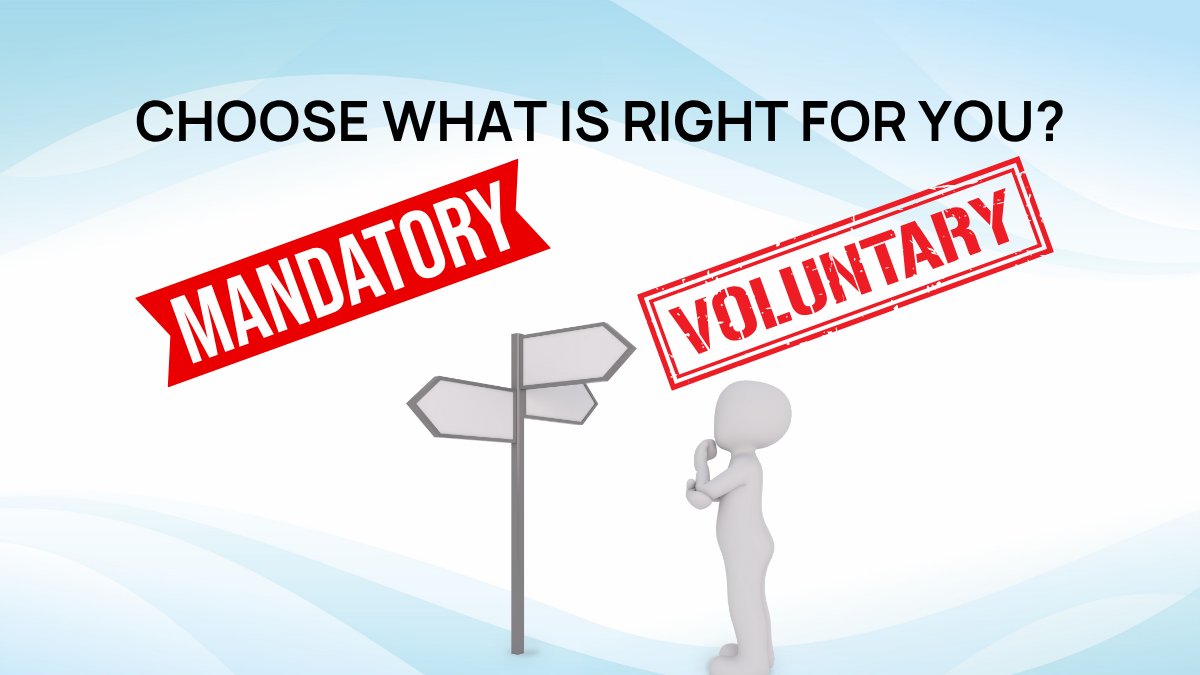
- Mandatory registration: Register if your business revenue earns more than $30,000 in the calendar quarter.
- Voluntary registration: consider it if your business is below the threshold and expects to exceed the limit soon.
Step 2: Gather information
Preparing documents
- Business name
- Physical address
- Business type
- All owners’ names and SINs
- Physical and mailing addresses
- Details of business activities
Step 3: Receive a Business Number
If you don’t have BN, register online through CRA’s Business Registration Online.
Step 4: Register for GST/HST
Three methods to register:
- Online service: register for GST/HST through the Canada Revenue Agency.
- Phone: Call the CRA Business Inquiries at 1-800-959-5525, and an agent will assist.
- Mail: Complete Form RC1 to request a BN and Certain Program Accounts, expect to have the number in 2-3 weeks.
Step 5: Confirmation and manage account
Receive a confirmation from the CRA for your GST/HST number.
Source: Government of Canada (n.d.), Rusland Nikolaev (2026)
Get your GST/HST account set up with Platform Expand and take the next step toward doing business in Canada without the hassle.